Touchscreen panel
A new touchscreen for your caravan heating
CaravanClimate fits the Alde Compact 3000 – same controls, plug and play
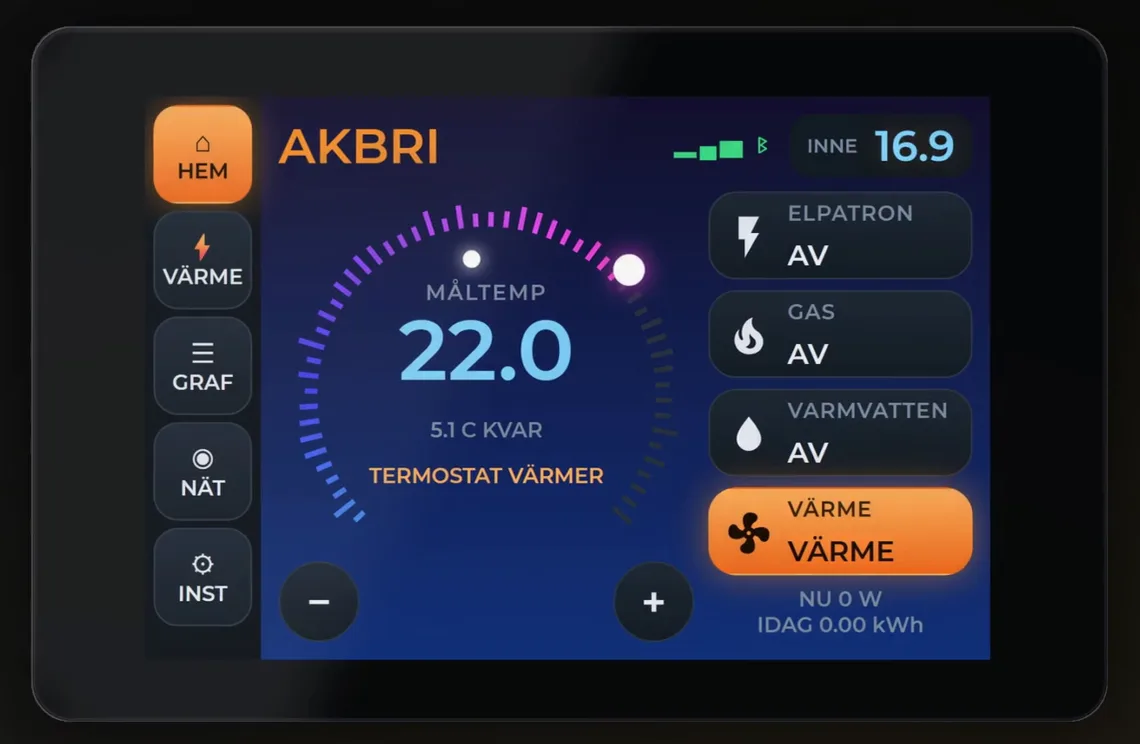
See it in action
Before and after
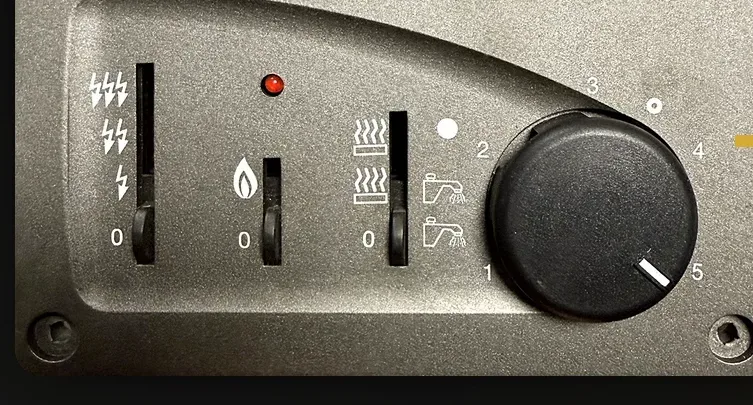
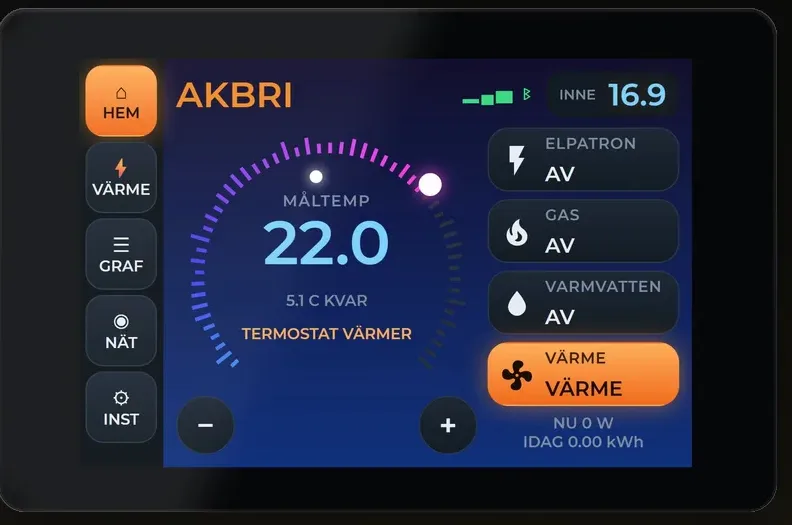
Installed in three steps
- 1Unplug the connector from the old panel
- 2Plug it into the new one
- 3Done – no new cables
More than the original
Same controls
Electric off/1/2/3 kW, gas on/off and heating with or without hot water.
Mobile app
Control the heating from your phone wherever you are.
Warm on arrival
Tell it when you arrive – it learns how fast the caravan warms up.
Warnings on screen
Frost risk, sensor fault and “no heat – check gas”.
Remembers your choice
After a power cut it returns to what you had selected.
Keep the original
You can always put the original panel back.
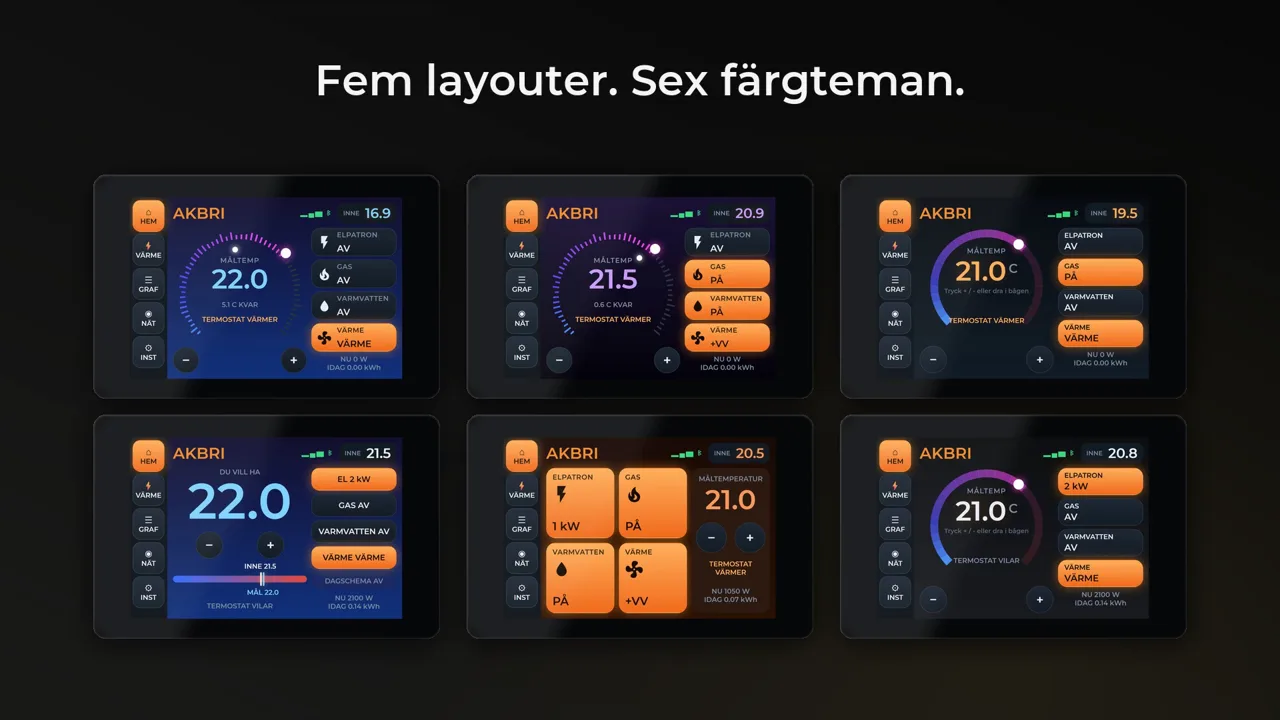
The screens